
Winsome
liveSmall wins. Big momentum.
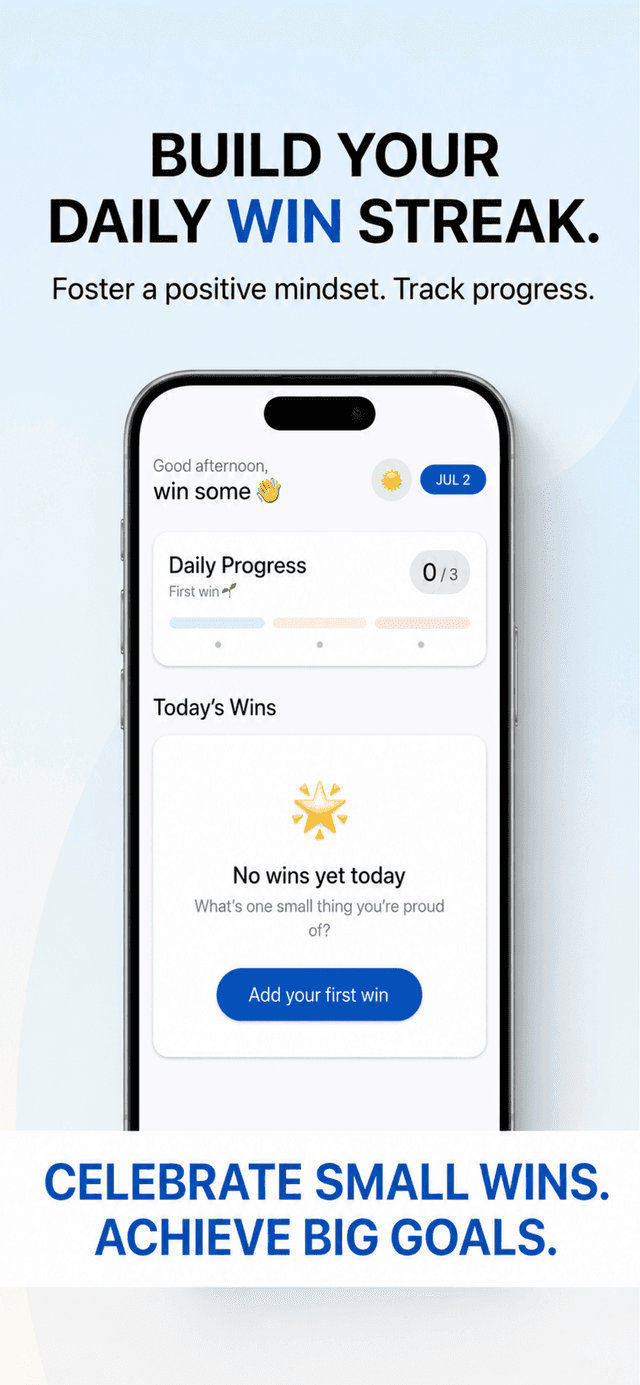
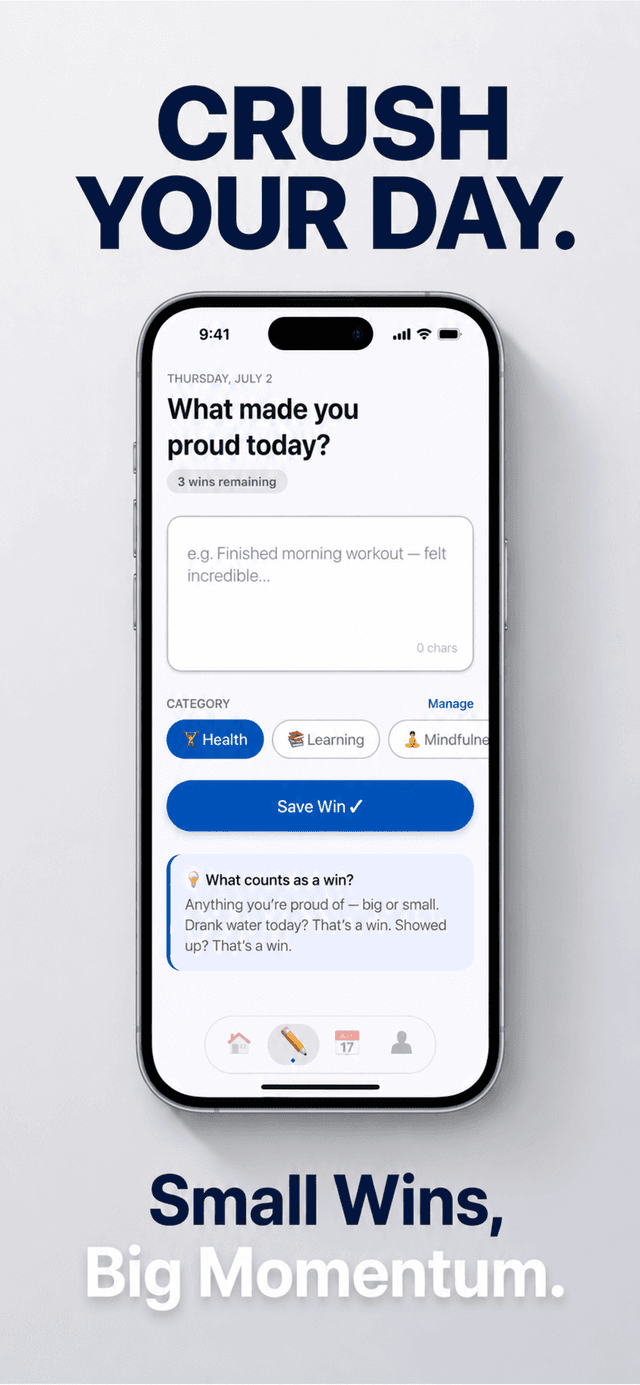
Winsome is a personal productivity app built around one habit: writing down up to three wins every day. Each win takes seconds to log, and a category keeps it organized.
Wins sync to your account with Google sign-in, so your progress follows you across devices. Optional daily reminders nudge you at the time you choose.
screenshots
Take a look
the problem
Why it exists
Big goals stall because day-to-day progress feels invisible. Winsome makes it visible: three small wins a day, logged in seconds, adding up to momentum you can see.
features
What it does
Three wins a day
Log up to three wins daily, small enough to actually stick with.
Categories
Tag each win so patterns show up over time.
Progress over time
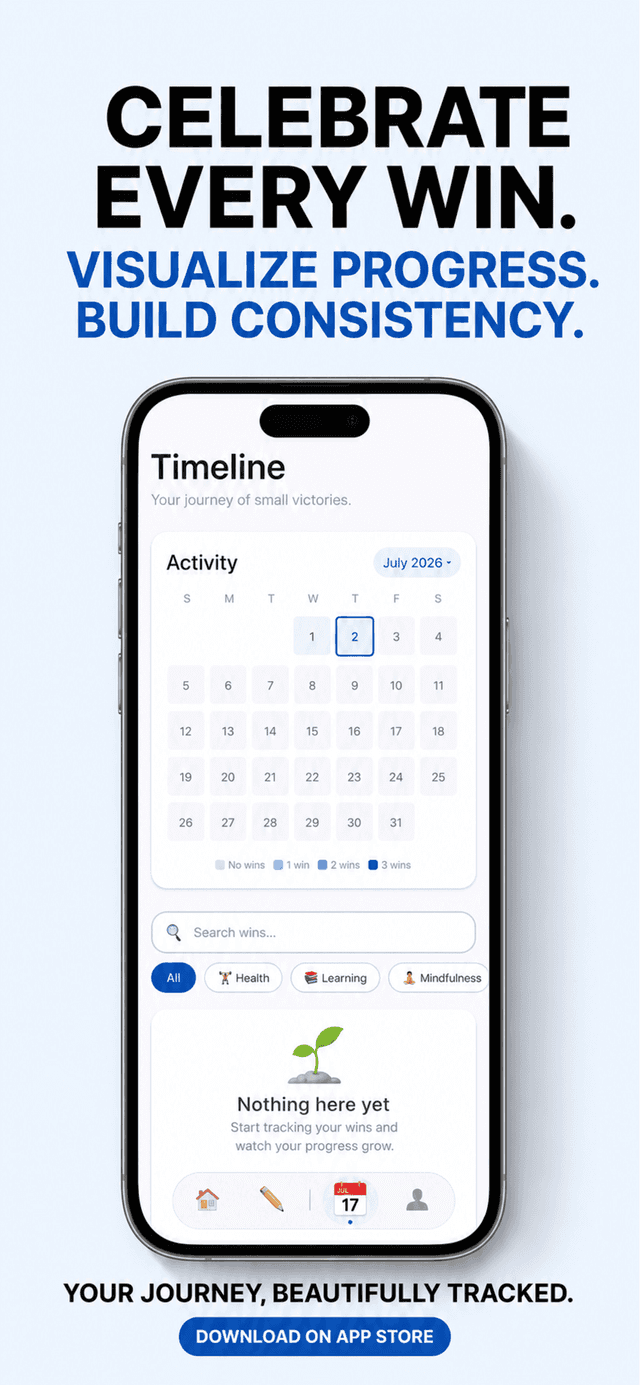
Watch consistency build into momentum.
Daily reminders
An optional nudge at the time you choose.
Sign in & sync
Google sign-in backs up your wins across devices.
faq
Questions
How many wins can I log each day?
Up to three a day. Winsome is built around small, consistent wins rather than long entries.
Do I need an account?
Yes. Winsome uses Google sign-in, and your wins sync to your account so they follow you across devices.
What data does Winsome collect?
Your name and email address (from Google sign-in), the wins you log, and basic usage and device information to keep the app working. No location, contacts, camera, or microphone; see the privacy policy for the full picture.
Can I turn reminders off?
Yes. Daily reminders are optional, and you can disable them at any time in your device's notification settings.
How do I delete my account?
In the app: Profile → Delete Account → type DELETE to confirm. Deletion is immediate and permanent; the full steps are on this page below.
get it